Start with the fence scope
Choose material, length, height, gates, and post spacing to create a fast planning estimate.
Fence estimate calculator
Use this page when you know the basic fence scope but still need a planning range before mapping the actual property line or yard layout.
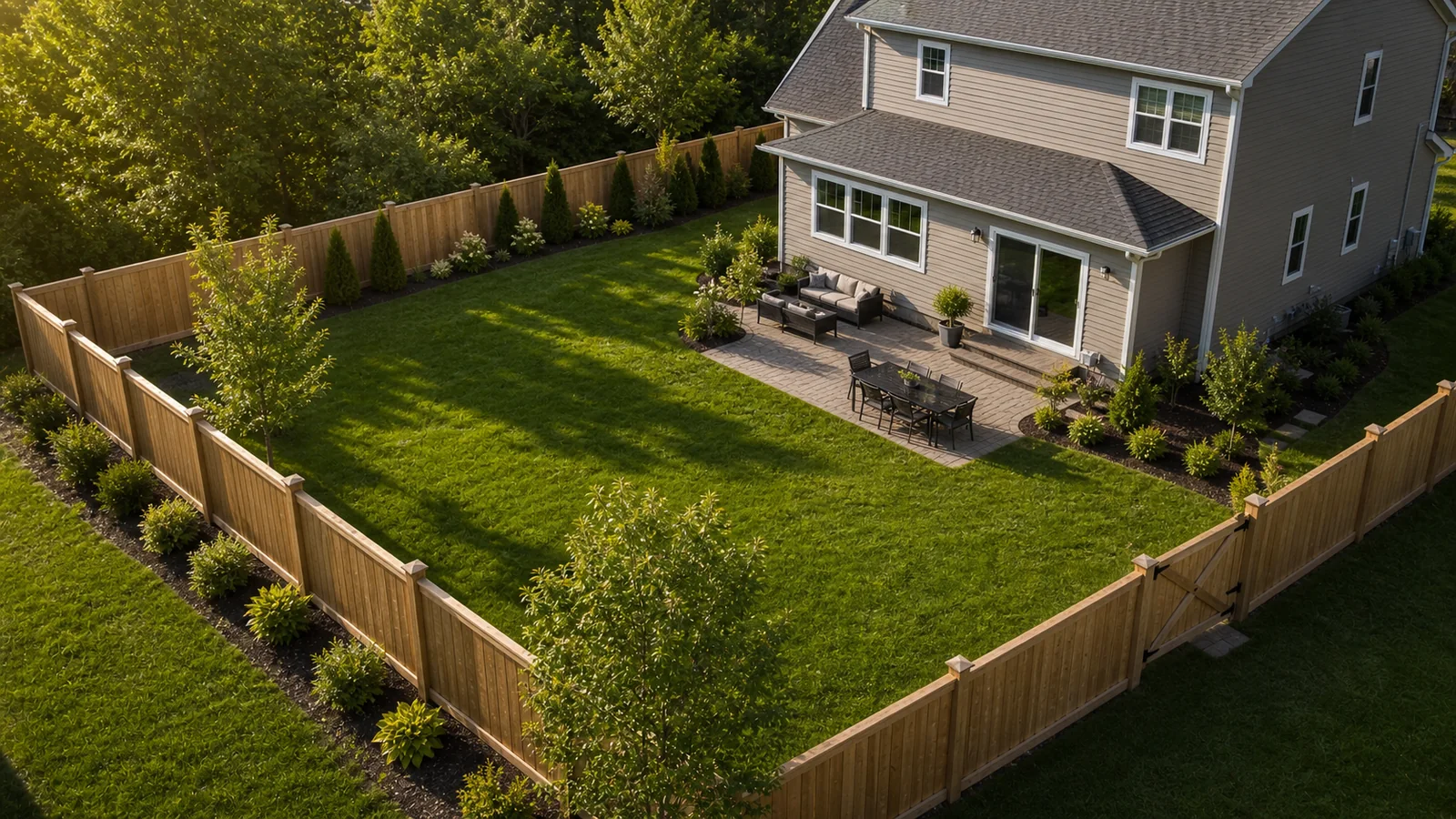
Choose material, length, height, gates, and post spacing to create a fast planning estimate.
Grade, old fence removal, and access help explain why two fences with the same footage can price differently.
Move the details into the map estimator when you want exact runs, corners, gates, media, and quote requests.
Use the calculator for quick numbers, then carry the details into the map estimator when you want the actual property layout, measurements, photos, and quote request packet.
Add an address or ZIP inside the calculator to apply published local modifiers before opening the map estimator.
The calculator starts from the same pricing structure used by the estimator. If you add an address or ZIP, it can show approved local modifiers before you move into the mapped property plan.
Heavier materials and taller fences change the installed range before local factors are applied.
Gate openings, hardware, posts, concrete, and tighter spacing should raise the estimate, not reduce it.
Slope, removals, and tight work areas are handled as visible scope assumptions.
Approved wage, demand, regional cost, and permit signals can adjust the planning range after location is entered.
The calculator gets the scope close. The estimator creates the route, corner points, gates, photos, and quote packet.