Routing follows your settings
Eligibility checks project type, service territory, bid capability, verification, referral ownership, exclusivity, and account status. Paid priority does not change the order.
For contractors
Choose the work and locations your company serves, review the published fee schedule, and control new assignments with a monthly lead budget. Assigned lead fees are collected on one automatic monthly invoice.
See the exact fee on every assigned lead. Charges are grouped into one automatic monthly invoice.

Complete the readiness steps once, then receive matching customer requests automatically when your company is eligible and within budget.
Add your business, trades, service territory, licensing, and insurance information.
Keep your project types, trade capabilities, and service areas current.
Accept the current agreement, add a card or verified business ACH account, and choose a monthly lead budget.
Use the submitted project packet to confirm the site and prepare your own proposal.
See the snapshotted fee, assignment source, project scope, invoice status, and seven-day dispute deadline in the portal.
New assignments pause when your finite monthly limit is reached. A $0 plan pauses routing until you resume it.
Assigned lead charges are grouped by payer and collected automatically using the saved card or verified ACH account.
Automatic matching uses the active project types, capabilities, and service areas your company selected. Assigned projects include the customer and property information needed to follow up; there is no per-lead acceptance step.
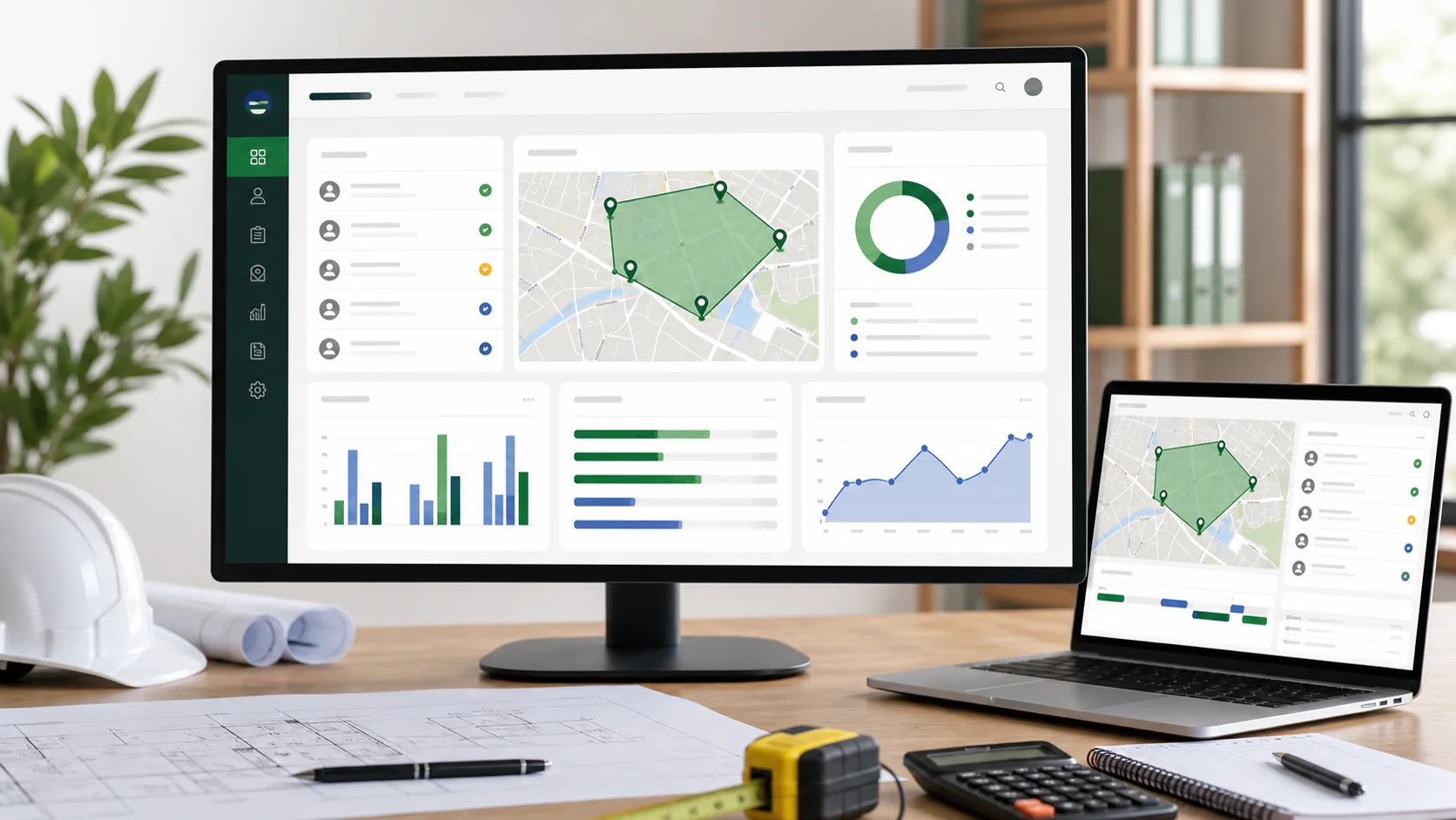
Eligibility checks project type, service territory, bid capability, verification, referral ownership, exclusivity, and account status. Paid priority does not change the order.
Admin-controlled value bands, lead source, routing tier, and approved account discounts determine the fee. The exact amount is snapshotted when the lead is assigned.
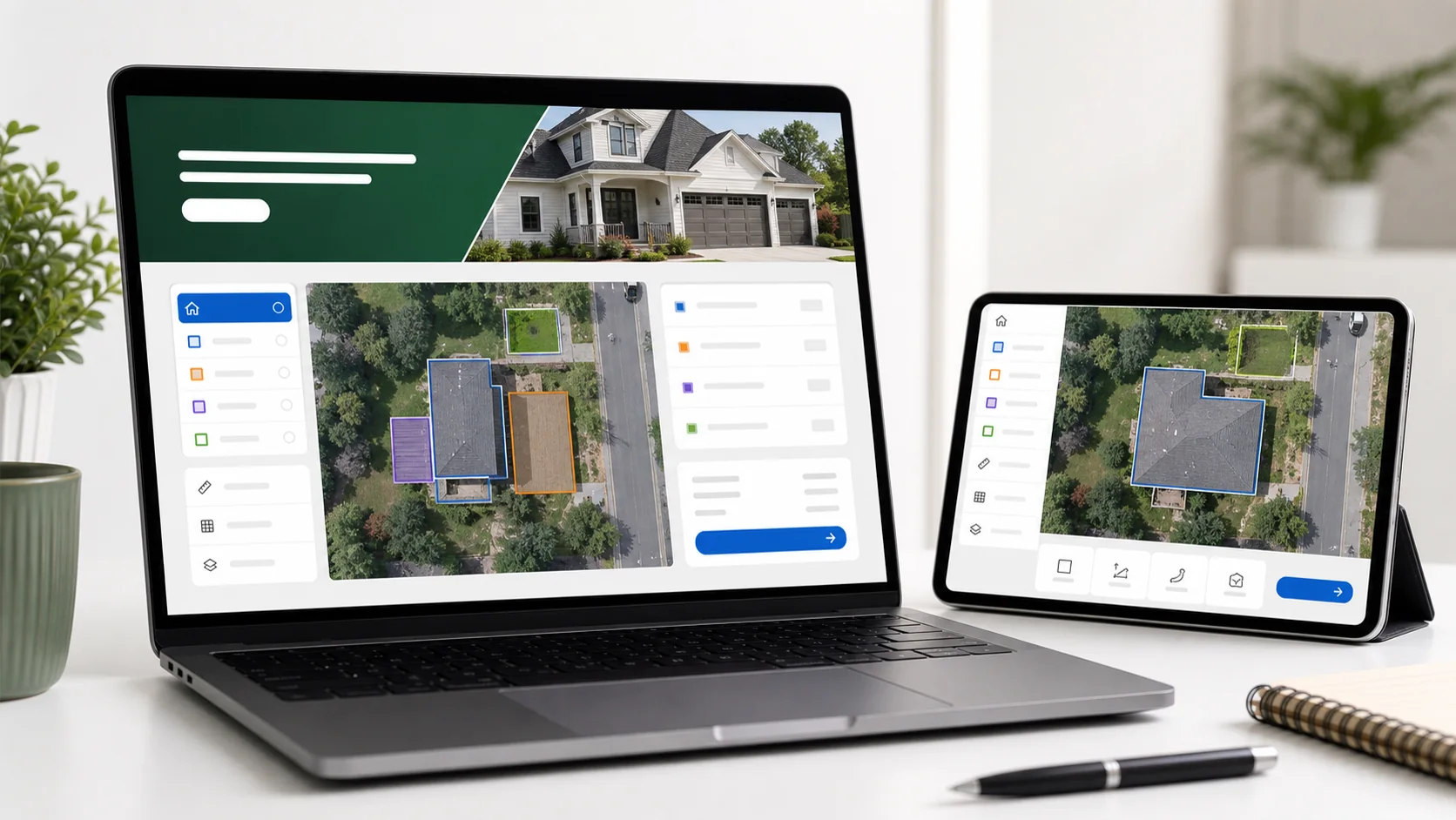
Eligible customers who enter through your approved branded referral link stay exclusive to your company and do not create a marketplace lead charge.
Once your company is ready, projects matching your active project types and service areas arrive with the details needed to contact the customer.
Company participation requires approved business and trade credentials. The owner or responsible franchise payer completes MFA, accepts the current paid-lead agreement, adds a card or verified business ACH account, and selects an active monthly budget.
The lead source, private planning-value band, routing tier, agreement version, discounts, billing entity, fee, dispute window, credits, and invoice status remain in an auditable record.
The contractor portal shows the current value-band table, calculator versus property-estimator source pricing, Priority markup, and your monthly-plan discount before routing can begin.
Create an owner account, choose the work and territory you serve, and complete verification. The current agreement, payment method, and active monthly budget are required before matching projects can be assigned automatically.