Resurfacing
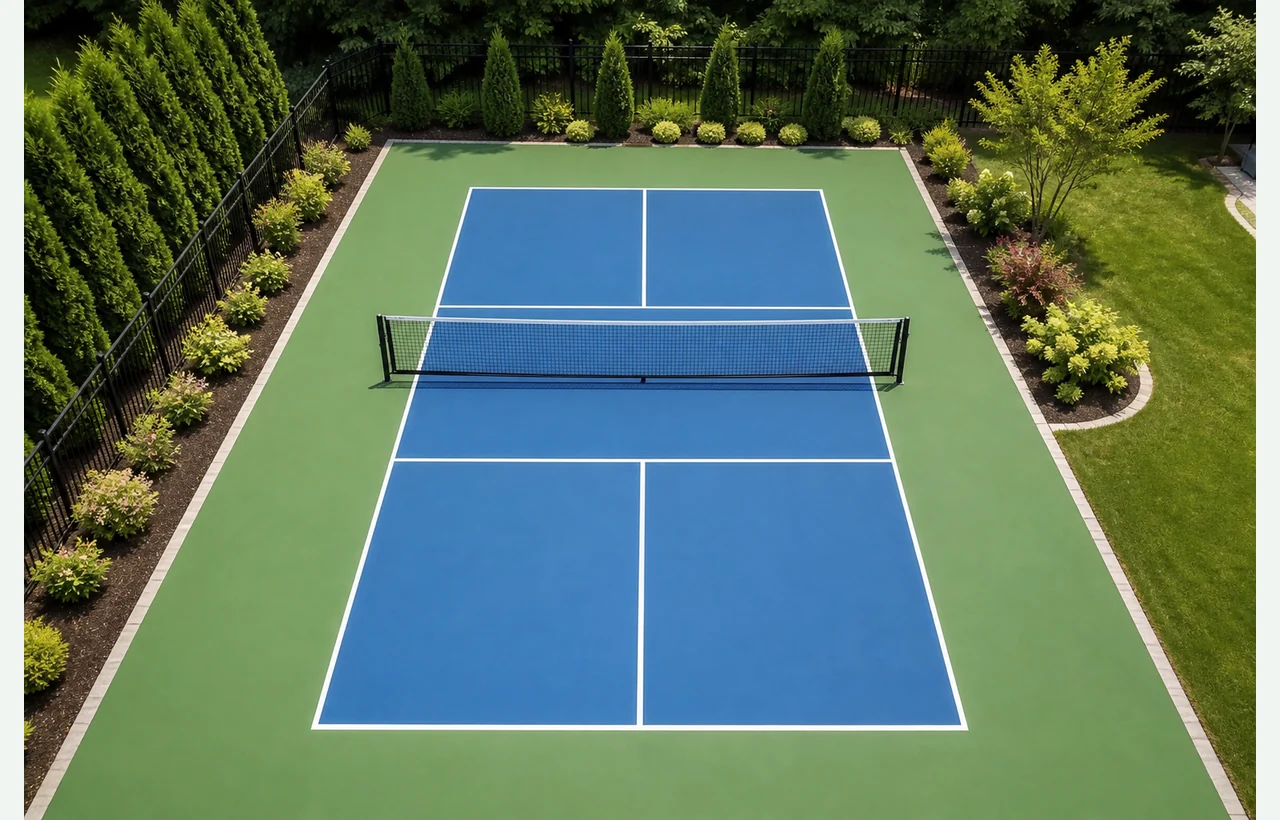
1 pickleball court with selected surface, lines, colors, and equipment.
Enter court count, scope, base, surface, net, fencing, and lighting for an immediate planning price. No drawing is required, and you can use the calculator free without signing up.
Your national planning estimate updates immediately as you change court type, scope, base, surface, equipment, and court count. The local project report applies reviewed local pricing and organizes the submitted scope.
A complete national planning range based on the measurements and options entered.
Court size, component pricing, colors, and option line items are grouped here to keep the estimate readable.
1 pickleball court with selected surface, lines, colors, and equipment.
Not included. Add it from the venue add-ons when the court needs perimeter fencing.
Not included. Add it from the venue add-ons when the court needs night-use planning.
The sport court range above uses the national published baseline. Submit the project once to reveal the central planning price, apply reviewed local factors, and organize the scope for follow-up.
Your quick estimate uses the measurements and options you entered. Design the actual project on your property to calculate project-specific quantities, options, and site details.
Review official layout measurements and contractor center marks for the pickleball court before you finish the calculator choices.
Choose the layout, scope, surface, and related options that match the work you are considering.
Local factors can show how published labor, regional cost, permit, weather, and soil context may adjust the estimate.
Carry the calculator choices into the estimator so the court can be placed, rotated, shaped, and reviewed before quotes.
A stronger pickleball court request includes court orientation, pad dimensions, base material, surface system, color zones, net and posts, fencing, lighting, drainage notes, and photos of the existing area. The calculator keeps those decisions visible before you draw the final property plan.
The calculator includes this before you move the pickleball court into the map estimator.
The calculator includes this before you move the pickleball court into the map estimator.
The calculator includes this before you move the pickleball court into the map estimator.
The calculator includes this before you move the pickleball court into the map estimator.
The calculator gives a planning range. The map estimator turns it into a clearer property plan with placement, related work, and quote-request details.